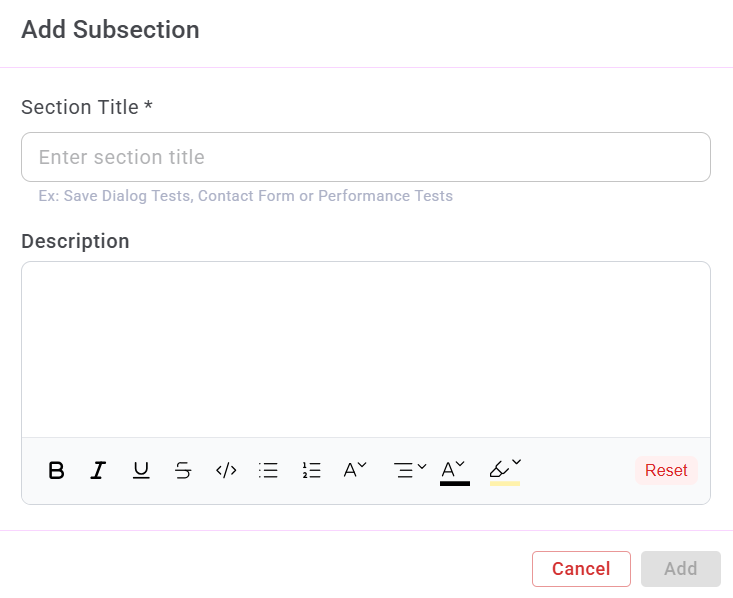
Add Subsection
A Subsection is used to create a more granular level of organization within a Section.
While Sections group test cases at a high-level module scope, Subsections further break those modules down for better structure and clarity.
1. Accessing the Add Subsection Option
To access the Add Subsection option:
- Navigate to the Test Cases module.
- From the list of Sections, select the Section where you want to add a Subsection.
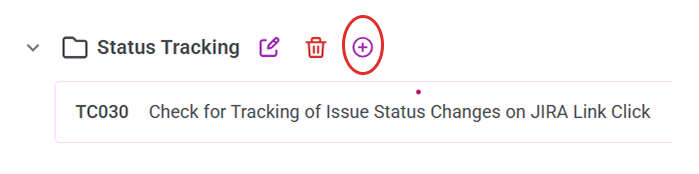
- Click the + icon located on the right side of the selected Section.
2. Creating a Subsection
To create a new Subsection:
- Enter a Subsection Title.
- Add a Description (optional).
- Click Add.